Install Connect or Kiosk
Find the browser app installers and the right app for each device.
Before you start
Use the browser and device where you want to install the app. Installation availability varies by browser.
Open Apps & AI connections
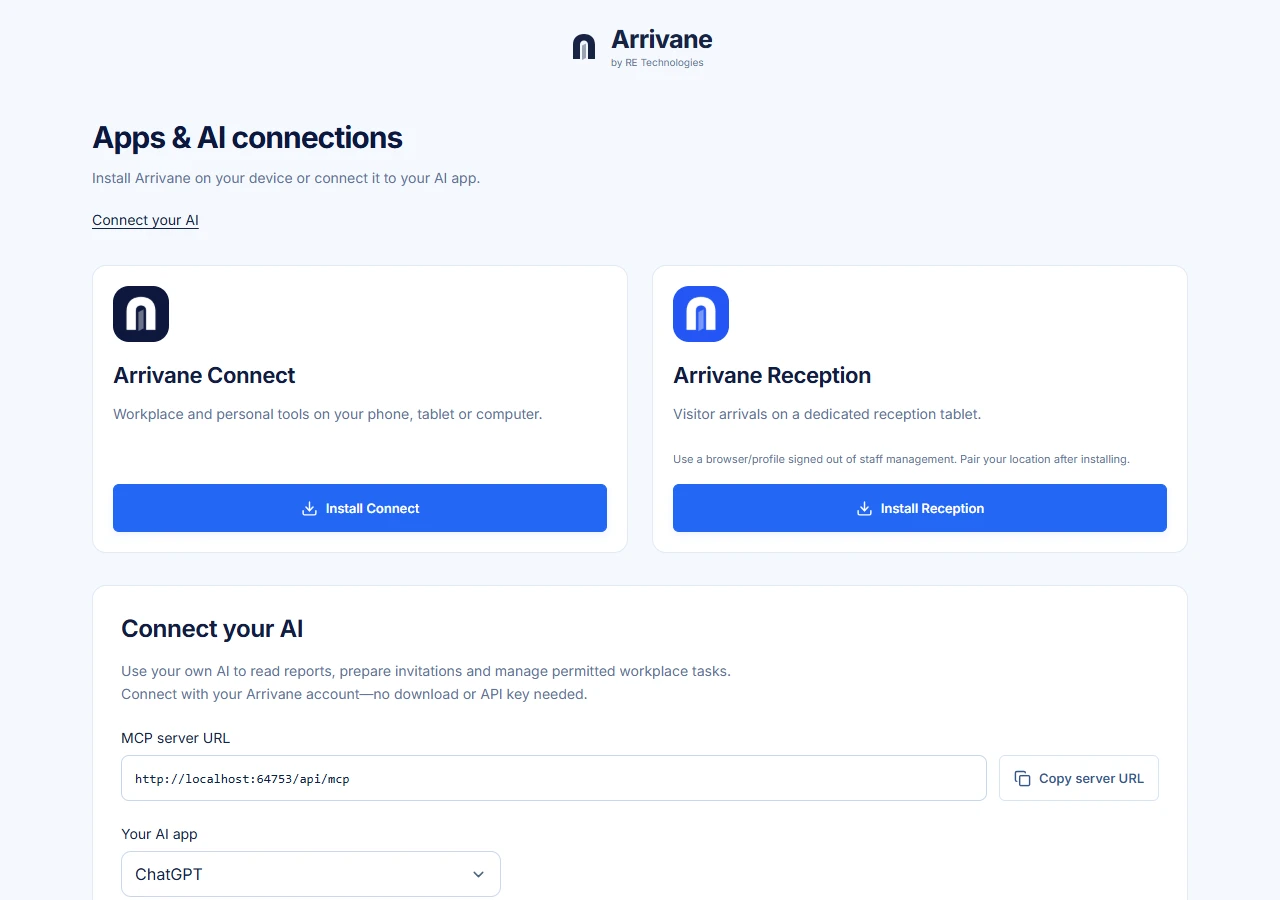
Open the app centre from the link below. Connect is for your account and workplace tasks; Reception is for a dedicated, paired reception tablet.
Demonstration data · Select image to enlarge. Follow the instructions for this browser
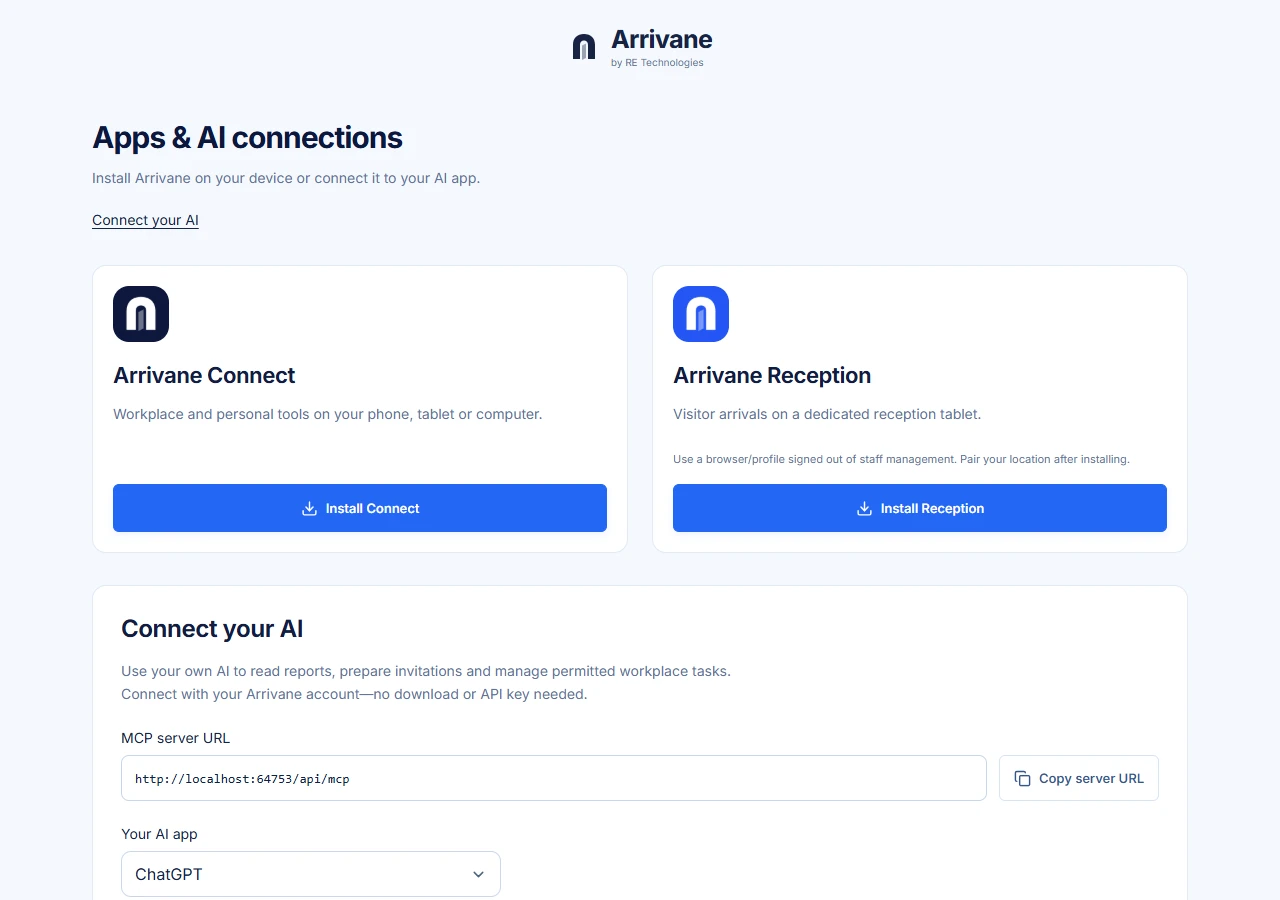
Choose the relevant installation instructions. If an install action is unavailable, keep using the browser or follow the displayed browser-specific steps. Installation does not grant organisation access.
Demonstration data · Select image to enlarge. Pair a dedicated reception tablet
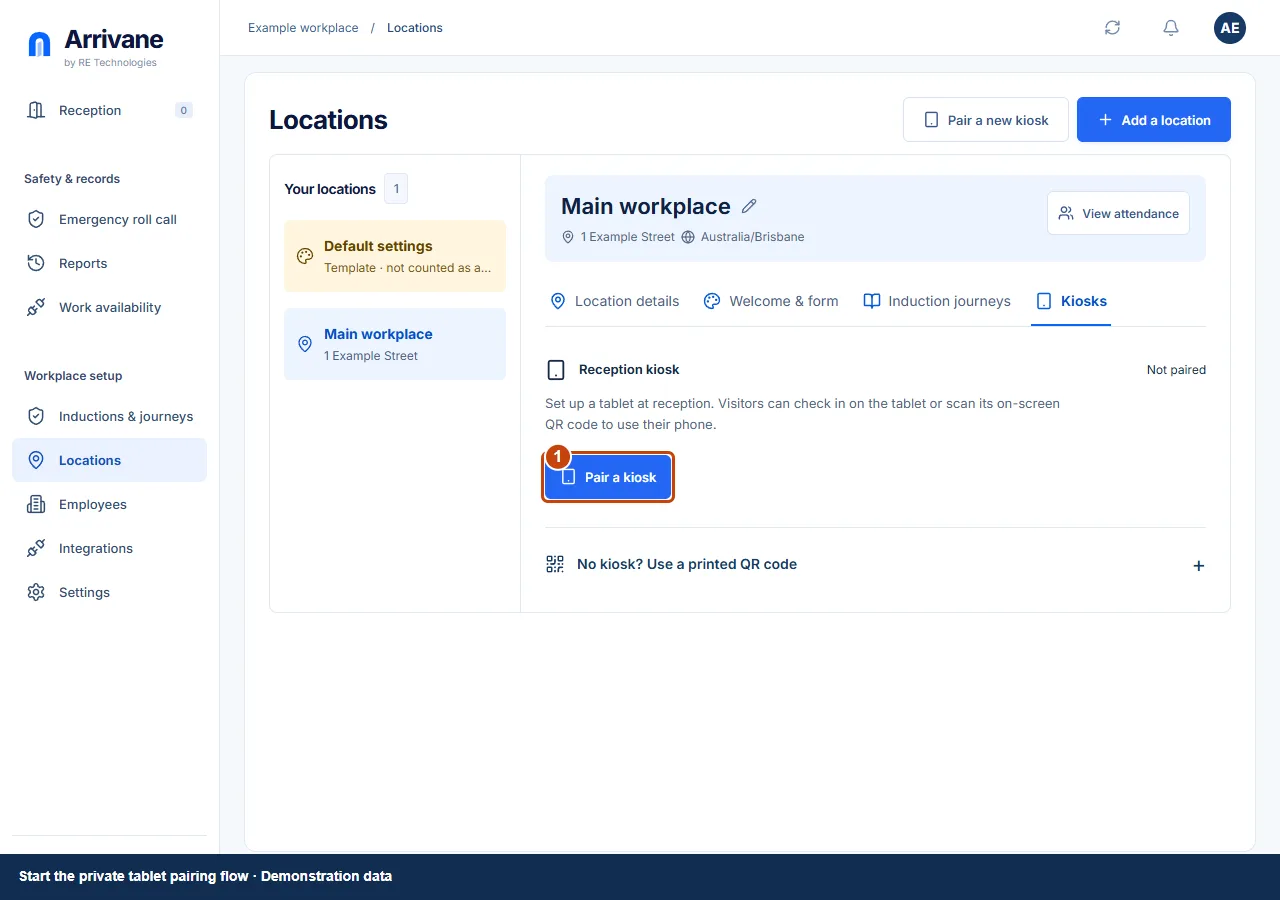
For a shared device, use Reception and pair it with the correct physical location. Do not leave an administrator account signed in on a public reception tablet.
Demonstration data · Select image to enlarge.
Check the result
The intended app opens from the device and its access or paired location is correct.
If something goes wrong
Use the browser’s supported installation option when available. A shortcut alone does not connect a tablet to a workplace.
If a control is missing, check your organisation, location, role and plan. If a save fails, read the error, keep your draft and check the saved state before retrying.
Screenshots use example people and workplaces. Follow the written steps and test your reception tablet, printer and connected services before welcoming visitors.