
A clear path
through Arrivane.
Set up your workplace. Welcome people in.
Find the next step, with pictures to guide you.
27 illustrated guides
Your first workplace,
ready for arrivals.
Start with the complete setup guide. Work through each step, then test a real arrival and departure before you open reception.
Start the setup guide6 illustrated steps · Desktop recommended
Find your guide
Illustrated task guides, with linked instructions for detailed setup. Select an image to see it full size.
No matching guides
Try a shorter phrase, clear your search or choose All topics. You can also contact the team.
Getting started
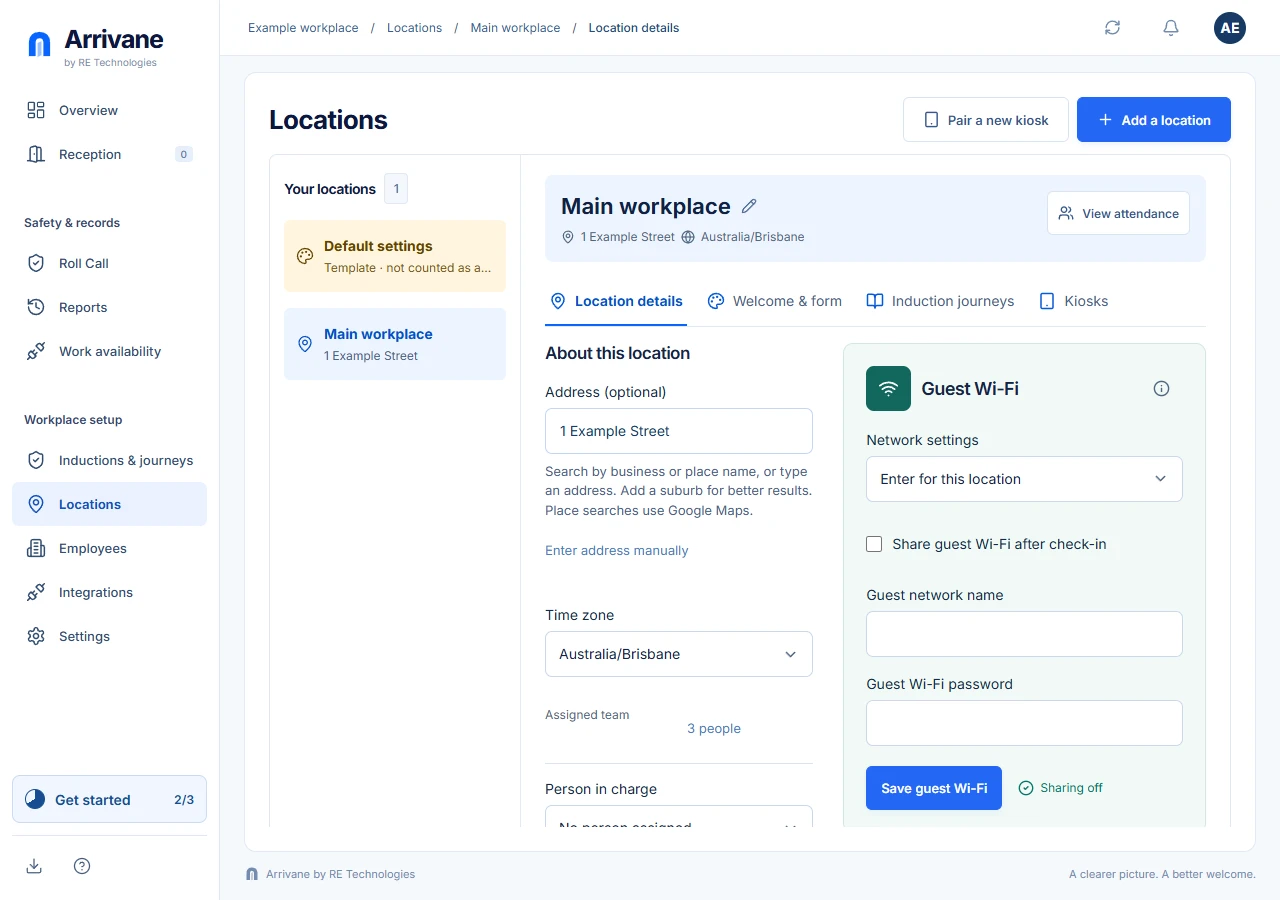
- Set up Arrivane for your workplaceSet up your first location and hosts, test reception check-in, then confirm a visitor’s departure.
- Create or switch organisationsChoose the workplace account you mean to manage.
- Install Connect or KioskFind the browser app installers and the right app for each device.
Locations & arrivals
- Add and edit a locationSet the workplace address, local time zone, contact and arrival journeys.
- Set defaults for new locationsPrepare location defaults and choose organisation-wide date and time display.
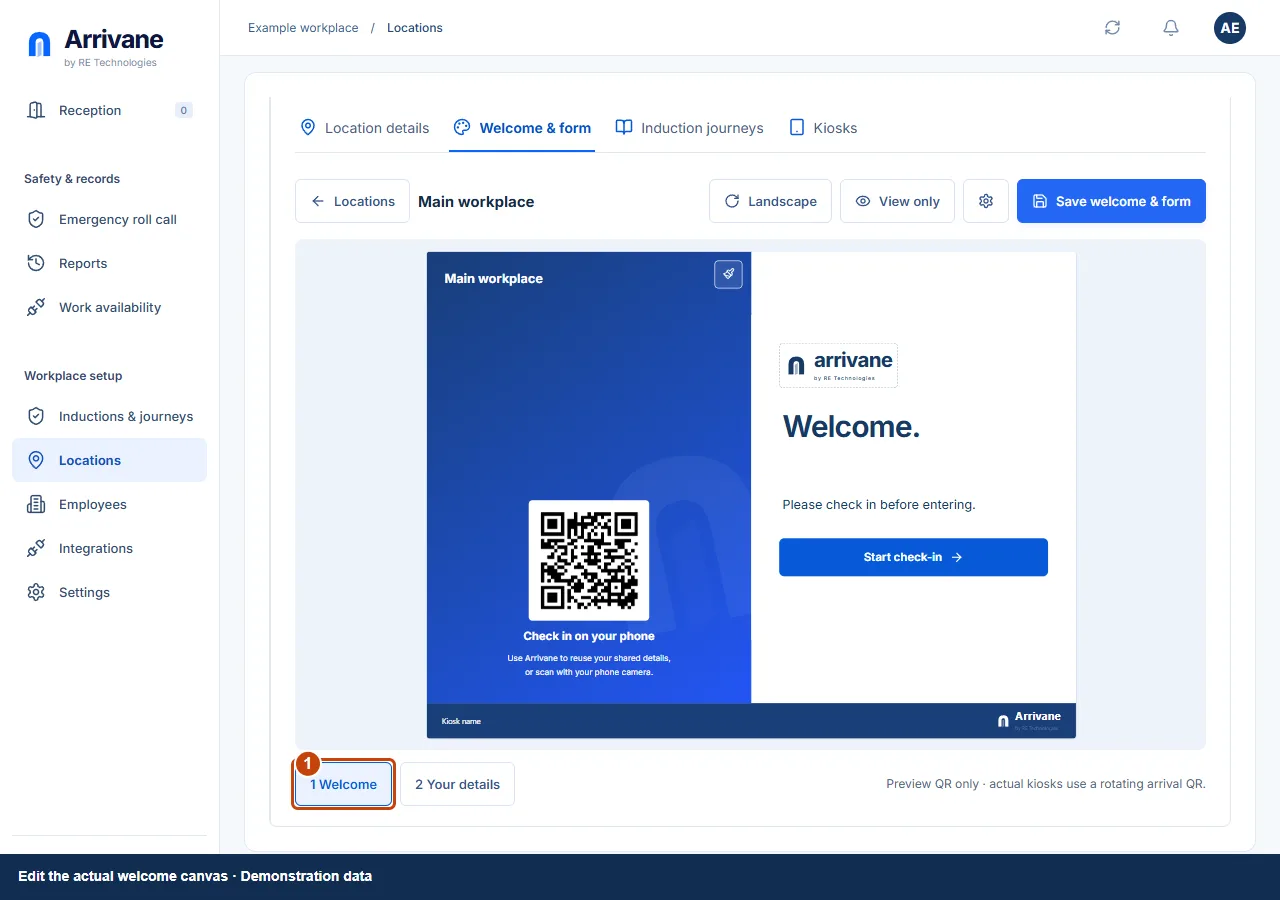
- Design the welcome and arrival formEdit the screen visitors see and choose the basic details you collect.
- Share guest Wi-Fi after check-inOffer the location’s guest network through an active private visit.
Inductions & kiosks
- Set up a meeting-room displayCreate an independent room, connect its resource calendar, choose its screen and pair Arrivane Kiosk.
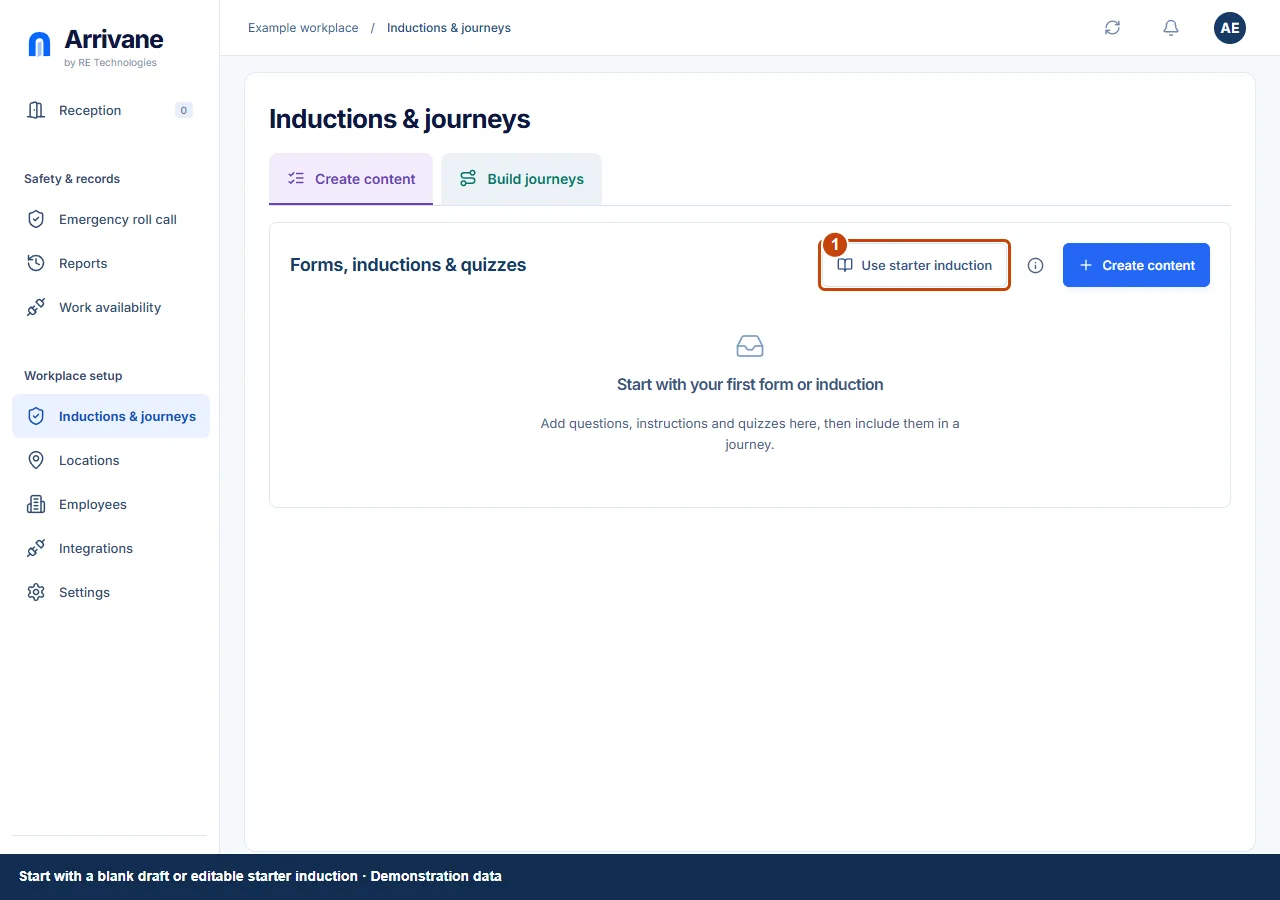
- Create forms, induction pages and quizzesBuild reusable content that visitors can complete in an arrival journey.
- Build a journey and return-visit rulesOrder shared content and decide what returning people complete.
- Assign visitor and contractor journeysChoose independent arrival requirements for each person type at a location.
- Pair a reception tabletConnect a shared Reception device to the correct physical location.
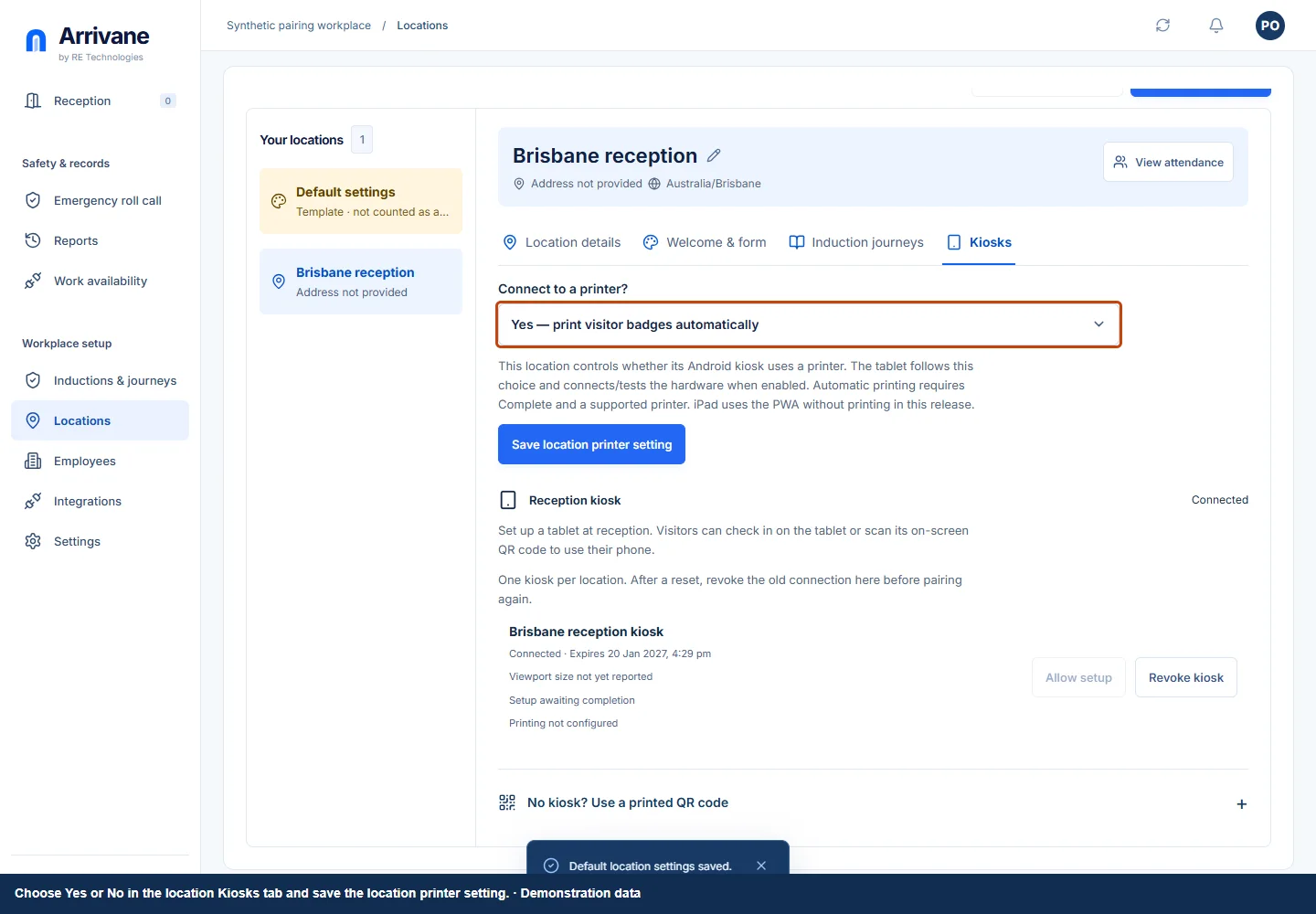
- Set up automatic visitor labelsPrint badges after confirmed check-in without asking visitors to use a print dialog.
- Set up a printed arrival QR signOffer phone-based arrival when you have no reception tablet.
Daily operations
- Check visitors in and record departuresUse Reception for the daily attendance workflow.
- Manage expected visitors and invitationsUse the reception calendar and prepare an invitation.
- Add employees and assign hosts to locationsMaintain the workplace directory without confusing it with account access.
- Run and reconcile a Roll CallUse recorded attendance to support your workplace roll call procedure.
- Find reports and download recordsChoose the right report, scope and dates before exporting.
- Review unresolved departuresFlag attendance needing review without automatically checking people out.
Accounts & administration
- Set up personal sharing and use your QRChoose exactly which details you offer to a receiving workplace.
- Invite users and manage workplace accessManage each employee’s sign-in account, role and location access.
- Review your plan, billing details and invoicesUse Billing to see your actual entitlements and provider records.
- Manage account security and privacyReview sessions, request a password reset and find account privacy controls.
- Connect a personal AI assistantAuthorise a supported AI app through your own Arrivane account.
- Review workplace data retentionUnderstand and explicitly save a workplace deletion policy.
- Review integrations and work availabilityFind organisation connections and understand recorded availability.
Watch the steps in motion
Short walkthroughs of the actual app, with captions and written alternatives.
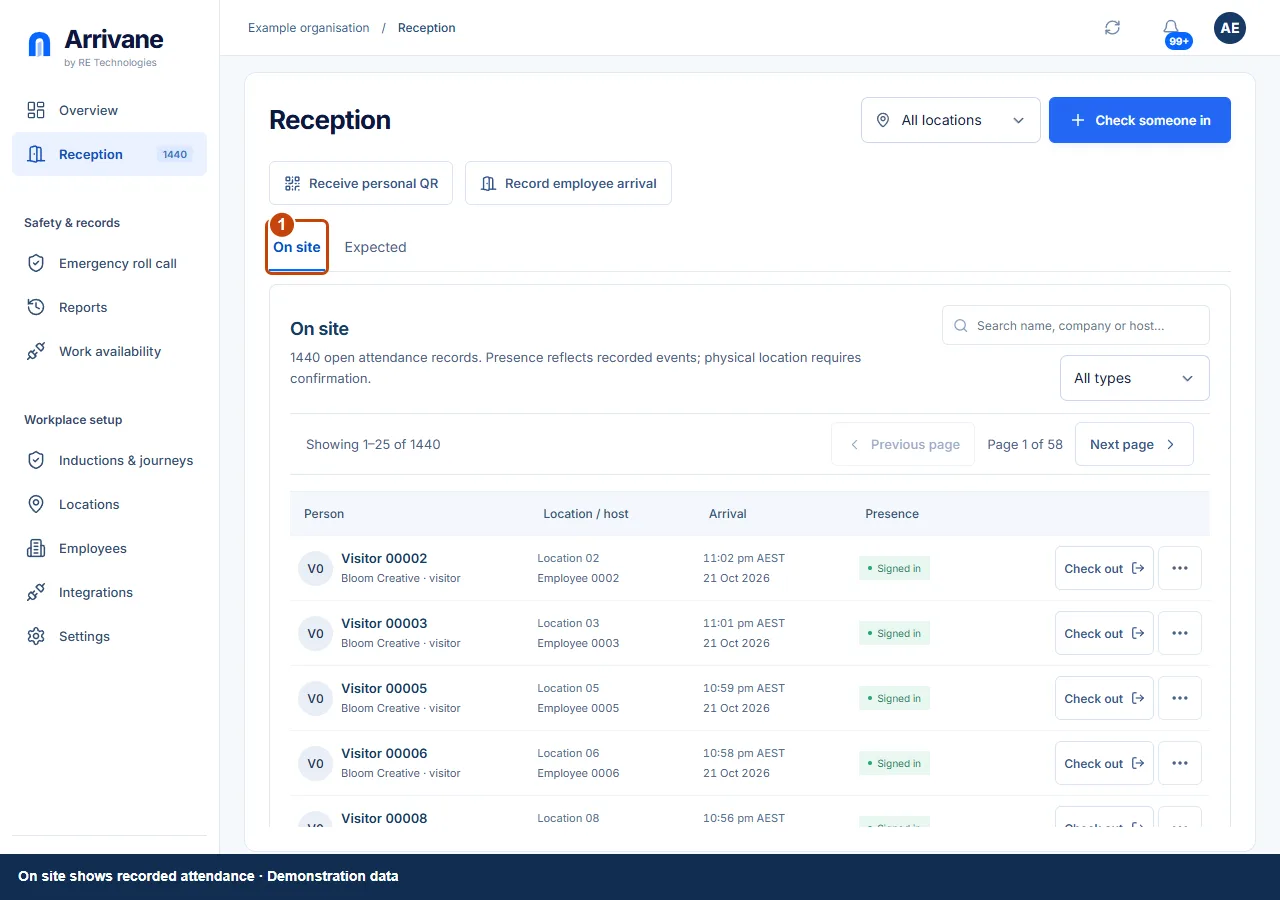
Screenshots use example people and workplaces. Available controls depend on your role, plan and device.