
Run and reconcile a Roll Call
Use recorded attendance to support your workplace roll call procedure.
Before you start
Follow your workplace roll call procedure. Confirm the location scope; recorded attendance is not proof of physical presence.
Open Roll Call
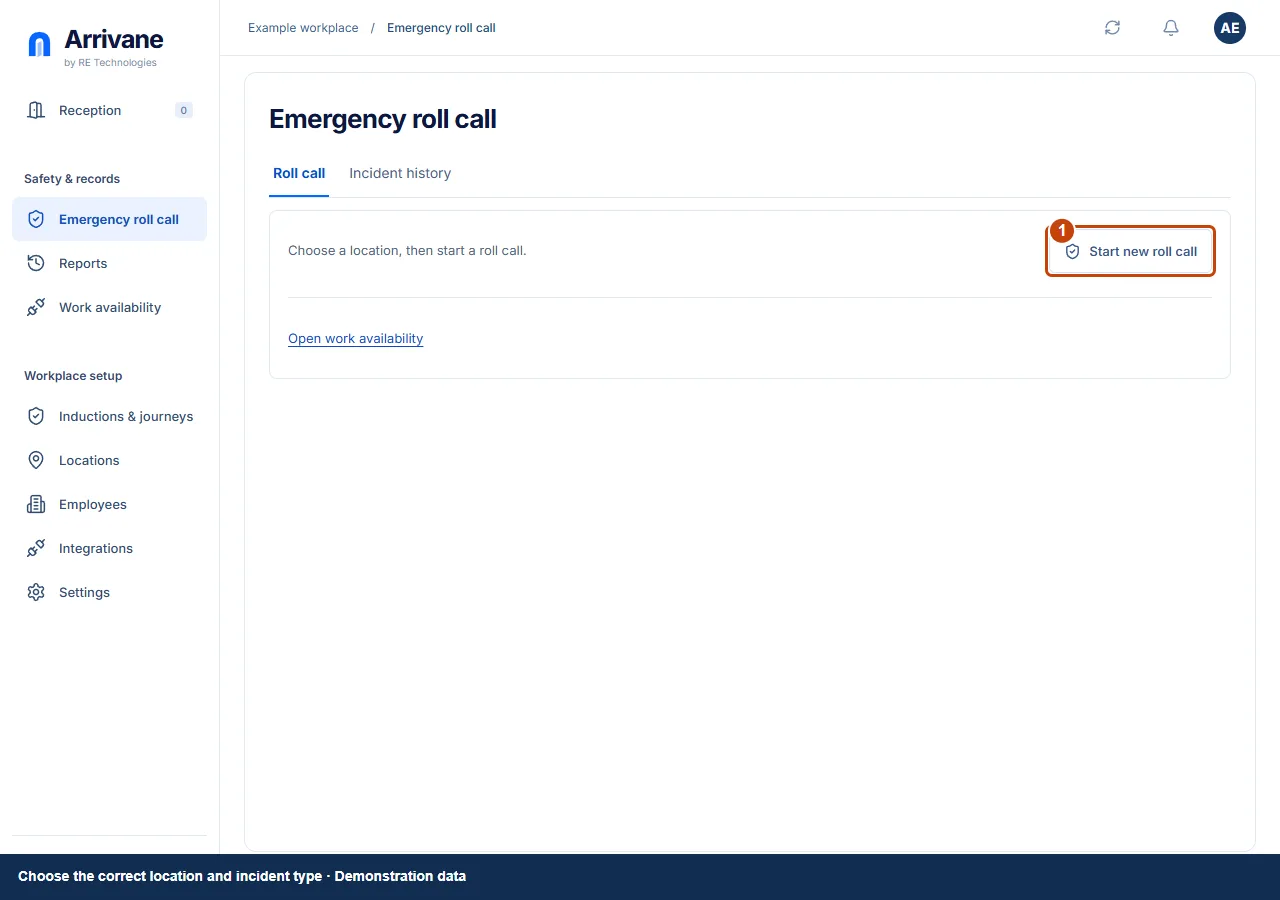
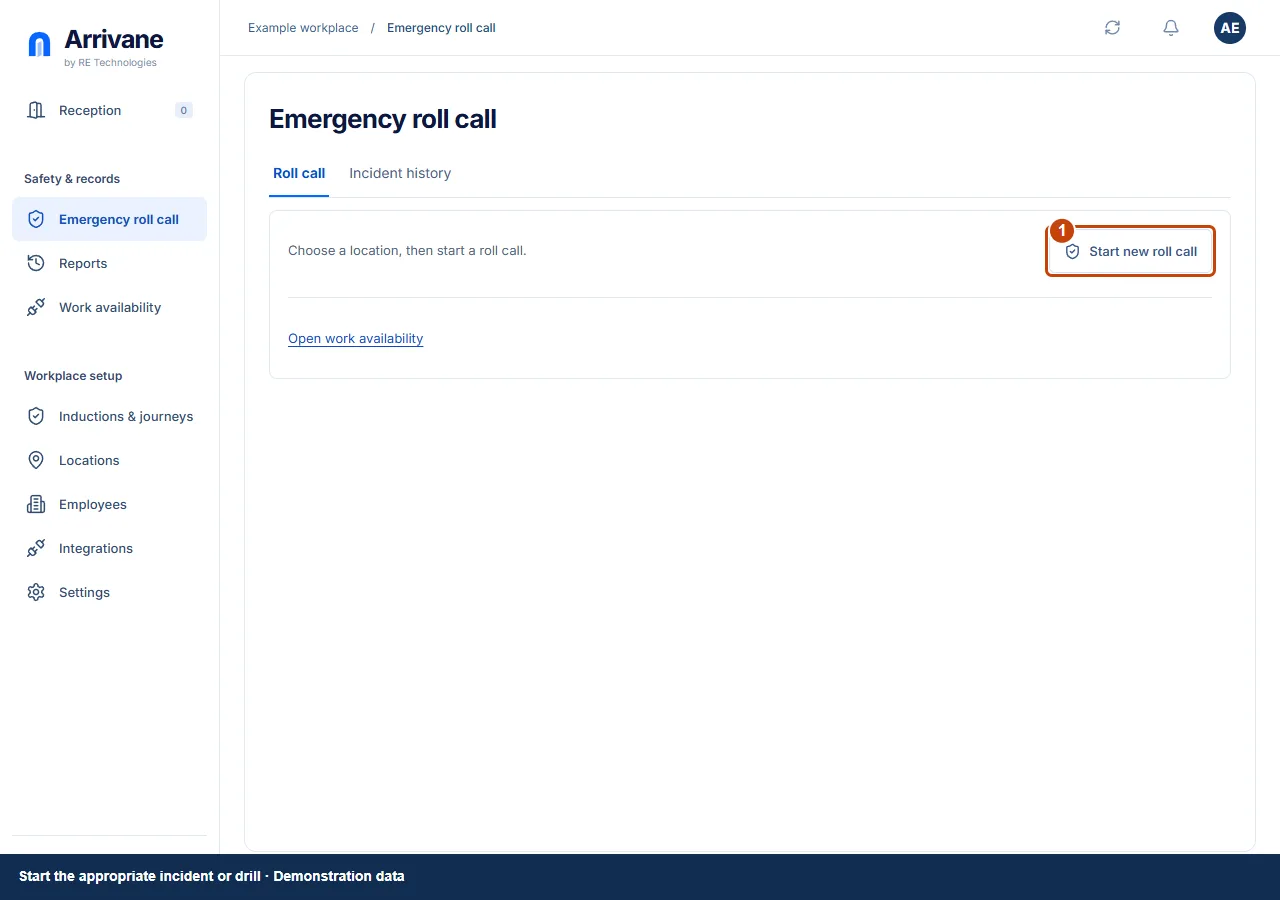
Choose Roll Call, then Start new roll call. Enter a name and optional notes or description, open the Locations dropdown and tick one or more permitted locations, then choose Create Roll Call. Review the current incident before starting another. Use a drill for practice and the appropriate incident action for an actual event.
Demonstration data · Select image to enlarge. Confirm each person is accounted for
Review the snapshot and confirm each person at your assembly point, then choose Mark accounted for beside their name. The status changes to Accounted for; choose Undo if you made a mistake. Use To account for, Accounted for or Everyone to review the roster. Check uncertain or missing records with the people coordinating the response.
Demonstration data · Select image to enlarge. Reconcile, then close with an accurate note
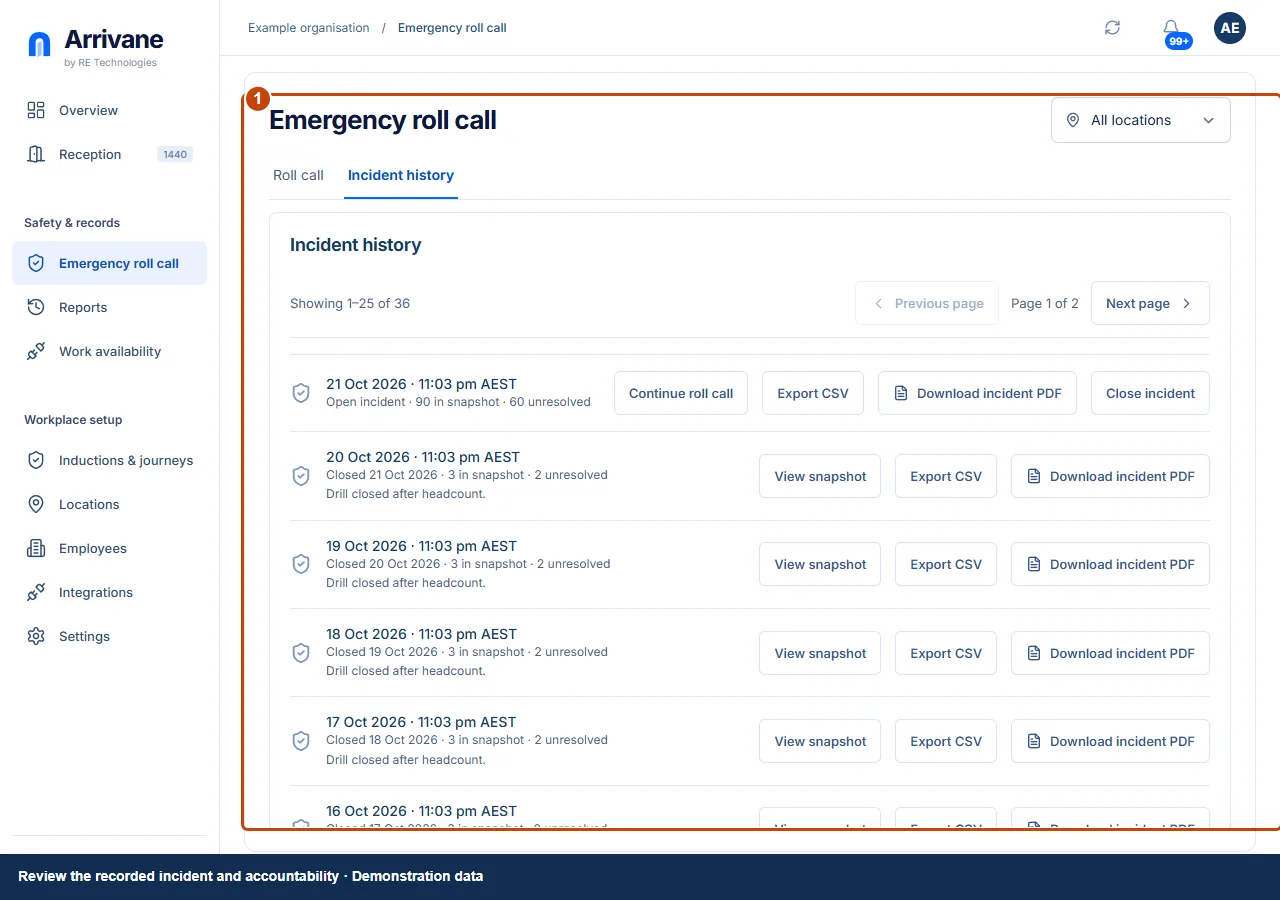
Keep the incident updated as people are accounted for. Reconcile outstanding people and use the close controls with an accurate closure note when authorised. Preserve the incident record and follow local escalation procedures.
Demonstration data · Select image to enlarge.
Check the result
Accountability and closure match the verified response, with unresolved facts made explicit.
If something goes wrong
If records are stale or connectivity fails, continue your workplace roll call procedure and reconcile Arrivane once available. Free roll call covers visitors; wider person types depend on plan and permission.
If a control is missing, check your organisation, location, role and plan. If a save fails, read the error, keep your draft and check the saved state before retrying.
Screenshots use example people and workplaces. Follow the written steps and test your reception tablet, printer and connected services before welcoming visitors.