
Assign visitor and contractor journeys
Choose independent arrival requirements for each person type at a location.
Before you start
Save the shared journeys you want to assign.
Open this location’s Induction journeys
Open Locations, choose the physical location, then Induction journeys. Check the location title before changing any assignments.
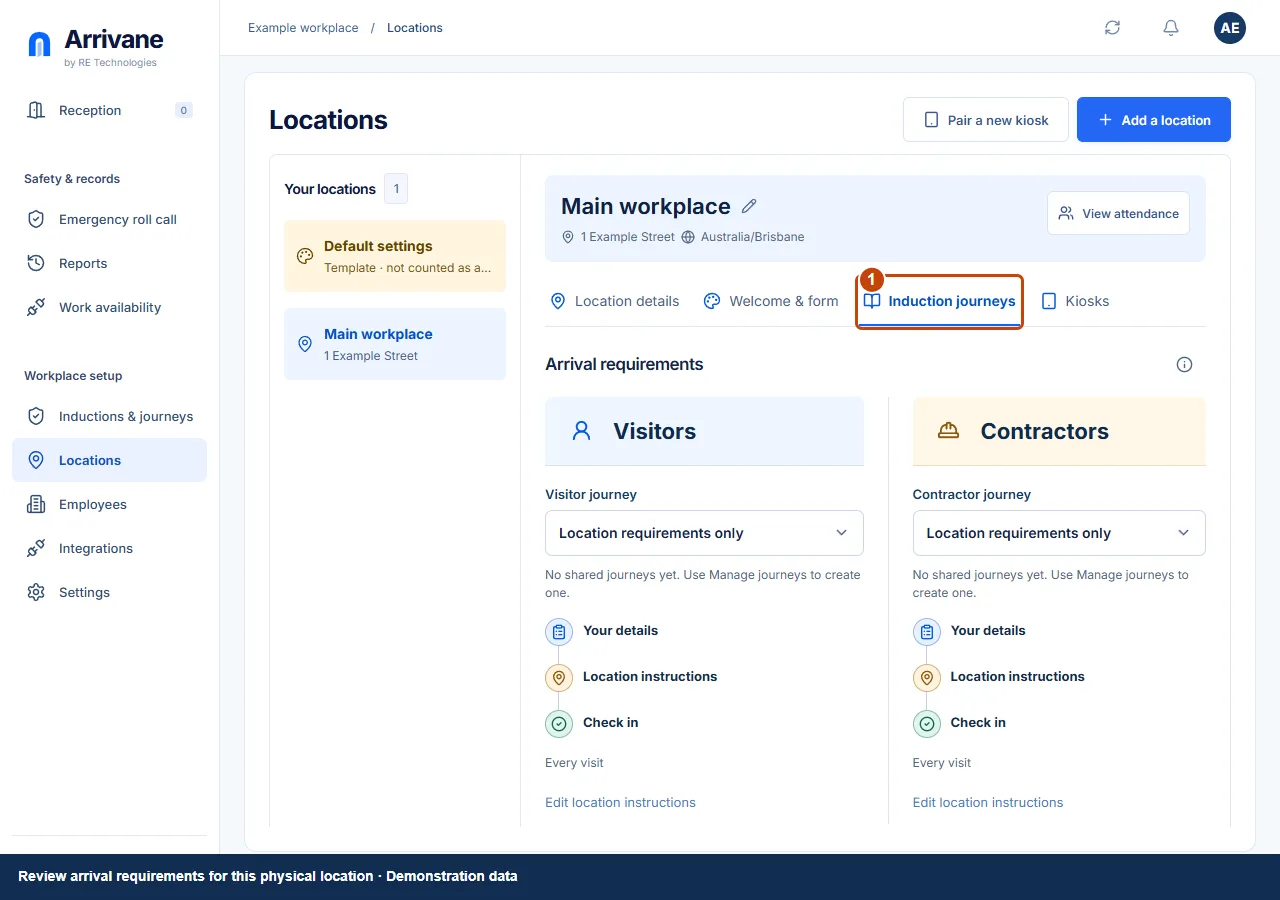
Demonstration data · Select image to enlarge. Select each person type’s journey
Choose Visitor journey and Contractor journey separately. Location requirements only keeps the location-owned requirements without a shared journey. Wait for the save status after each selection.
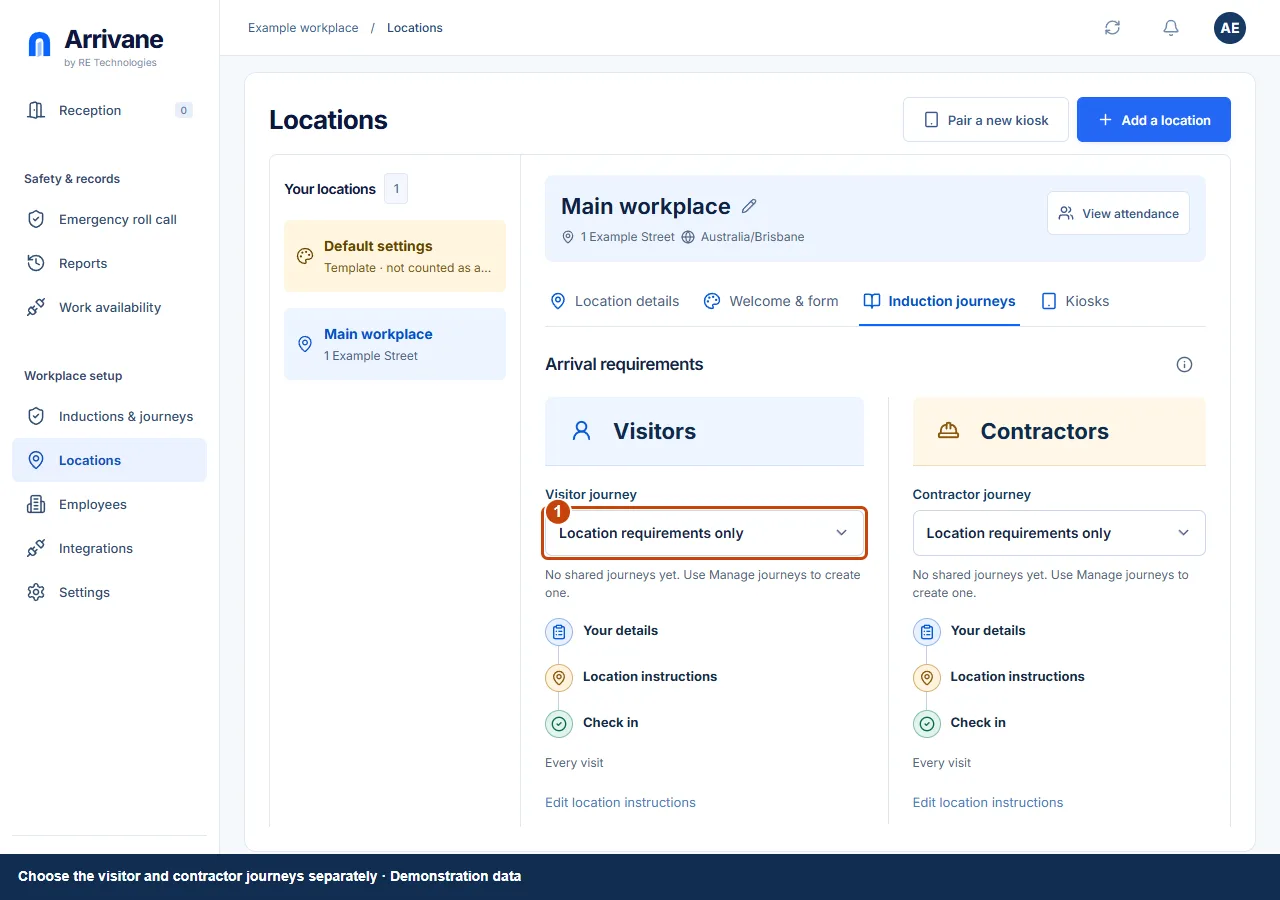
Demonstration data · Select image to enlarge. Review requirements and shared edits
Review the path for each person type. Edit journey changes the shared journey wherever it is assigned. Location instructions and enabled location checks apply in addition to the chosen shared journey. Test both person types before launch.
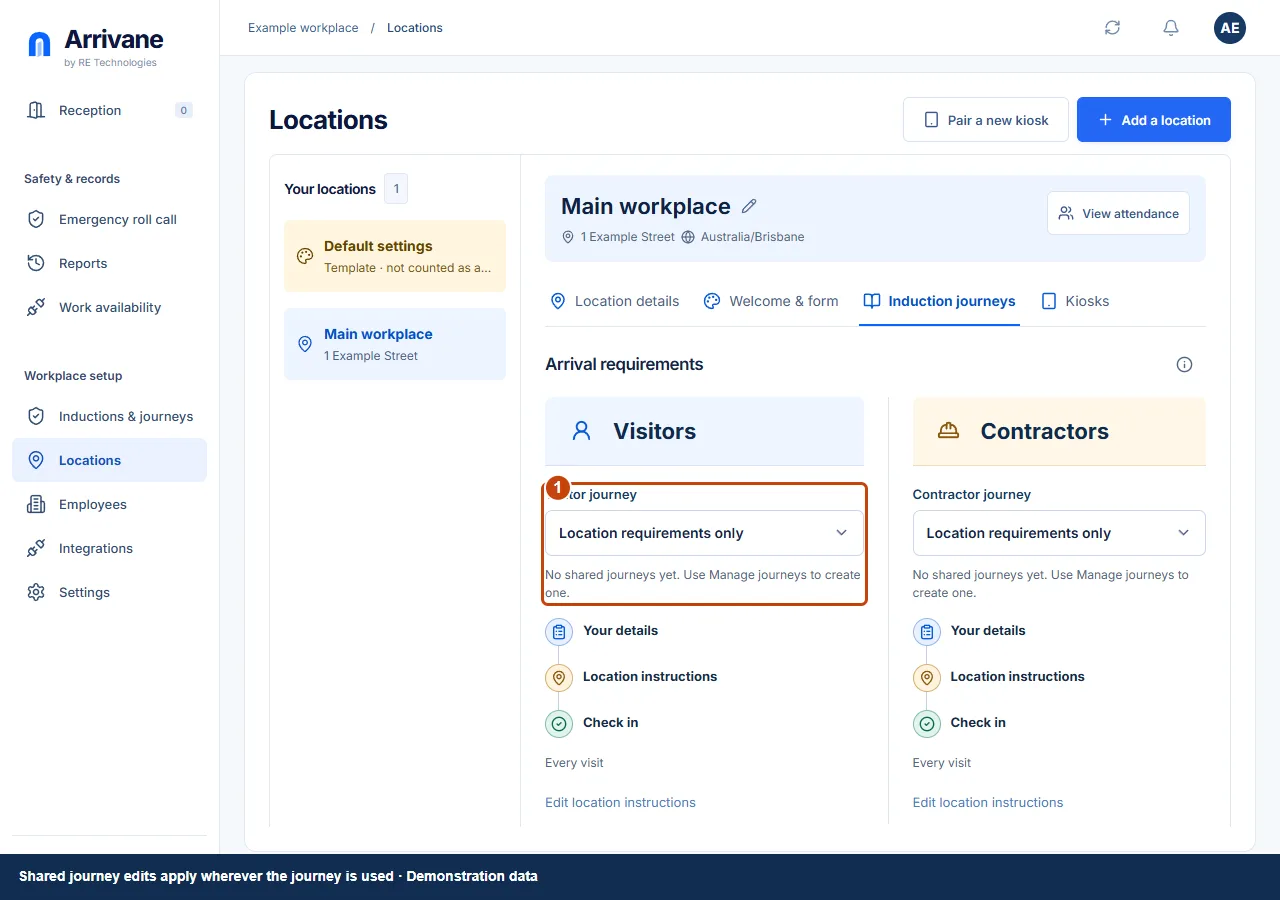
Demonstration data · Select image to enlarge.
Check the result
A visitor and contractor test arrival each follows the correct requirements.
If something goes wrong
If no journeys are available, create content, build a journey and save it first. Read the assignment error and refresh before retrying a failed change.
If a control is missing, check your organisation, location, role and plan. If a save fails, read the error, keep your draft and check the saved state before retrying.
Screenshots use example people and workplaces. Follow the written steps and test your reception tablet, printer and connected services before welcoming visitors.